
Webhooks
The Webhooks section of the Orbital app sends data to channels you control. Instead of reading Orbital's shared feeds, you define what matters to you and it lands in your own server.
There are three tools. All of them deliver through a Discord webhook URL you paste in, so you choose the destination channel and can point each tool somewhere different.
Pulse, X Posts
Real-time posts from the X accounts you track, delivered as they publish.
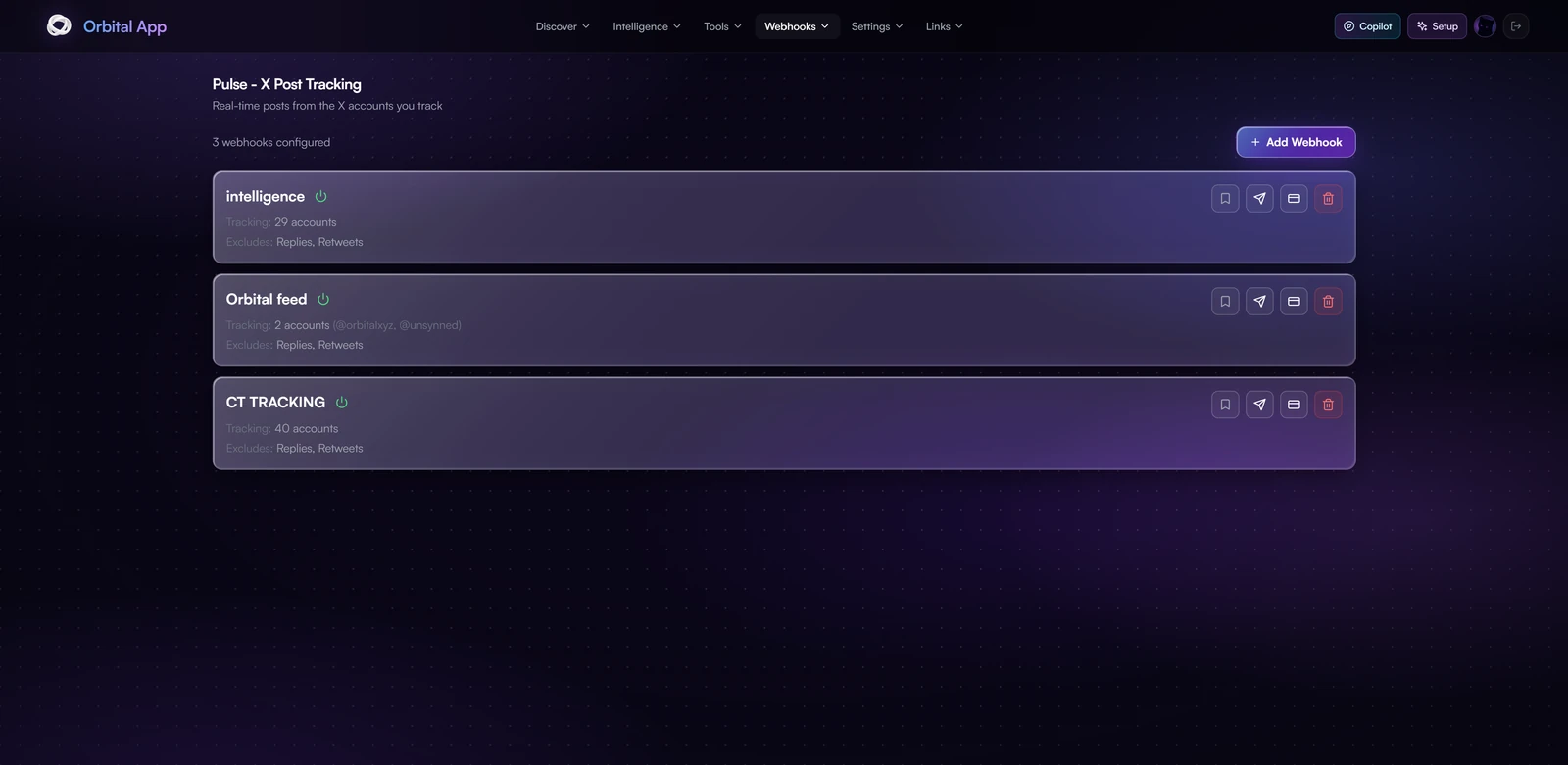
Create a webhook, give it a list of X accounts, and every new post from those accounts is forwarded. You can run several webhooks with different account lists, for example one channel for founders and another for traders.
Pulse needs no setup from you beyond the webhook. You do not connect an X account and you do not hand over cookies. Pulse reads the accounts you track through Orbital's own infrastructure, so your feed keeps running even if you never link an X session, and it can never break because your own login expired.
Connecting X cookies is only for the Following Manager, which scans your own followings and therefore needs your account. It has no effect on Pulse.
Token Watcher
Watch a Solana contract address and get alerted when it is mentioned on X.
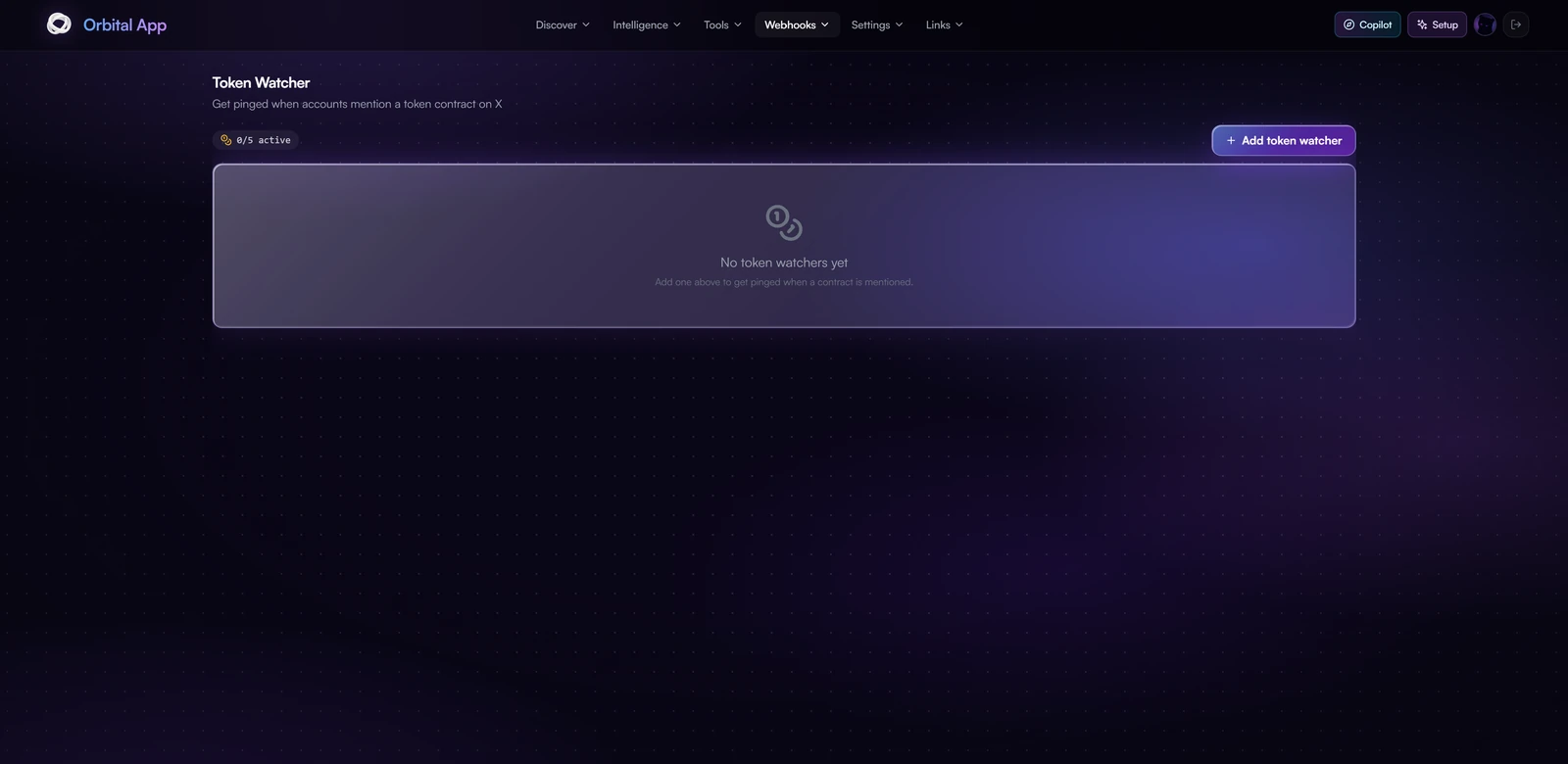
This is social monitoring rather than price tracking. You register the contract, optionally its ticker, and the watcher searches X for posts referencing it.
Options
- Minimum followers: ignore posts from accounts below a follower threshold, which is the main noise control
- Include key accounts: always let key accounts through, even if they fall under that threshold
- Only from: restrict matches to a specific set of handles
- Keywords: narrow further to posts containing particular terms
- Check interval: anywhere from 5 minutes to 24 hours, default 10 minutes
- Destination: your own webhook, or routed into My Feed in the app
Matches are deduplicated, so a post is delivered once and never repeats on later checks.
Mention Watcher
The same engine pointed at an X handle instead of a contract.
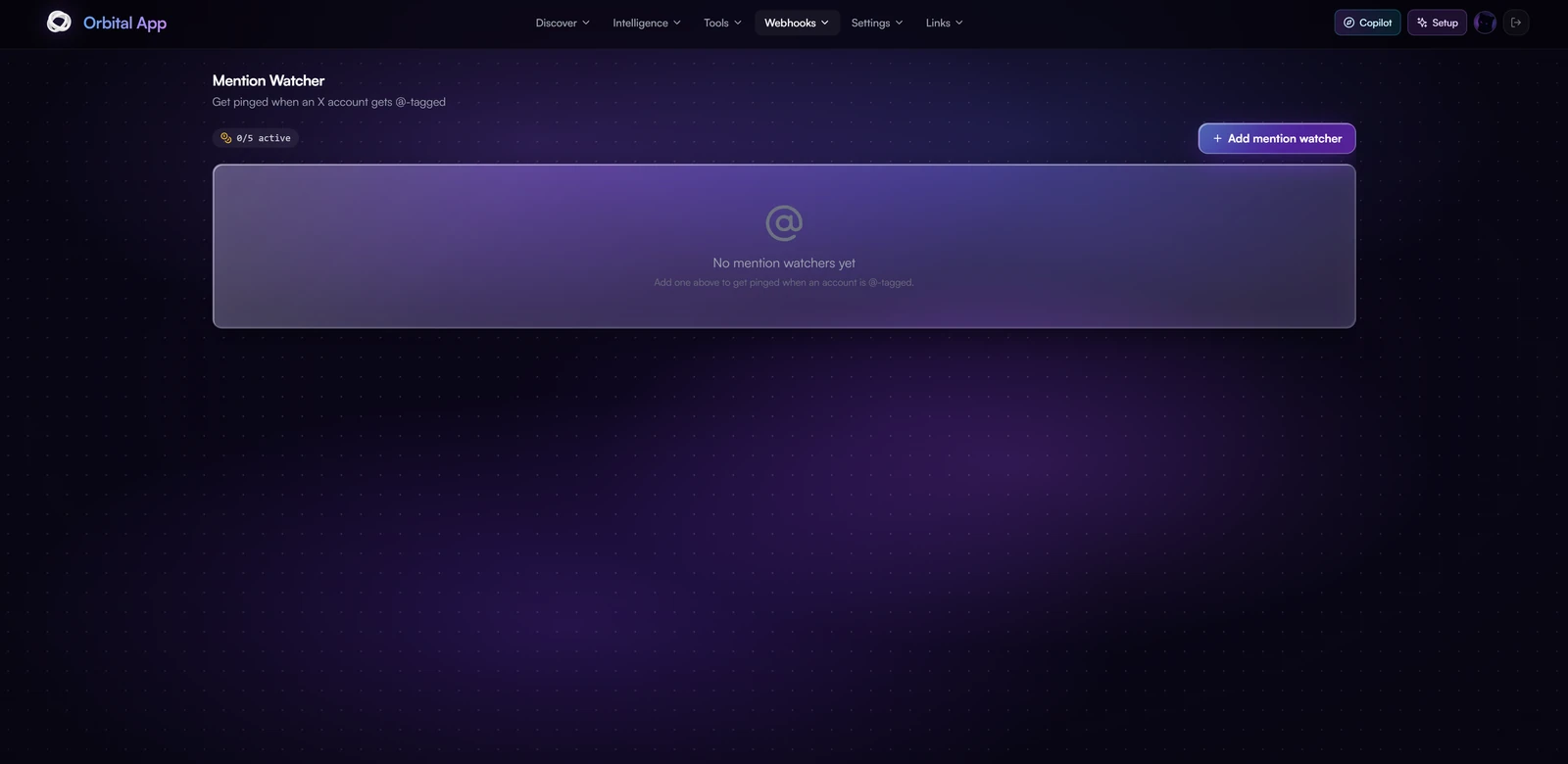
Use it to watch your own project account, a competitor, or anyone whose mentions you want to follow without reading the whole timeline. It takes the same follower threshold, key-account, only-from, keyword, interval and destination options as Token Watcher.
Limits
Token Watcher and Mention Watcher share one budget: 5 active watchers per account, counted across both. Deactivate or delete one to free a slot.
Pulse webhooks are managed separately and are not counted against that total.
Setting up a Discord webhook
- In Discord, open the target channel, then Edit Channel, Integrations, Webhooks, and create one.
- Copy the webhook URL.
- Paste it into the tool you are configuring.
You can set a default webhook per feature in Settings, so new watchers inherit it instead of pasting the URL each time.