
Brand Kit
Everything you need to represent Orbital correctly. Click any preview to see it full size; use the download link underneath for the original file.
Logos
The mark is a monochrome interlocking-rings form. There is one shape in two colourways, and the only rule is contrast: white on dark surfaces, black on light ones. Both are transparent PNG at 1024px.
Logo, white
For dark backgrounds. This is the primary version and the one used across Orbital's own surfaces.


Logo, black
For light backgrounds: printed material, light-theme sites, pale imagery.
App icon
The mark on a rounded dark-purple tile. Use this anywhere the logo needs its own container and cannot rely on the surface behind it: favicons, app icons, Discord and Telegram avatars, store listings.

A transparent mark disappears on backgrounds close to its own colour, which is exactly what the tile solves. Reach for it whenever you cannot control what sits behind the logo.
ORBT token
The token mark, distinct from the product logo. Use it only for the token itself.

Backgrounds
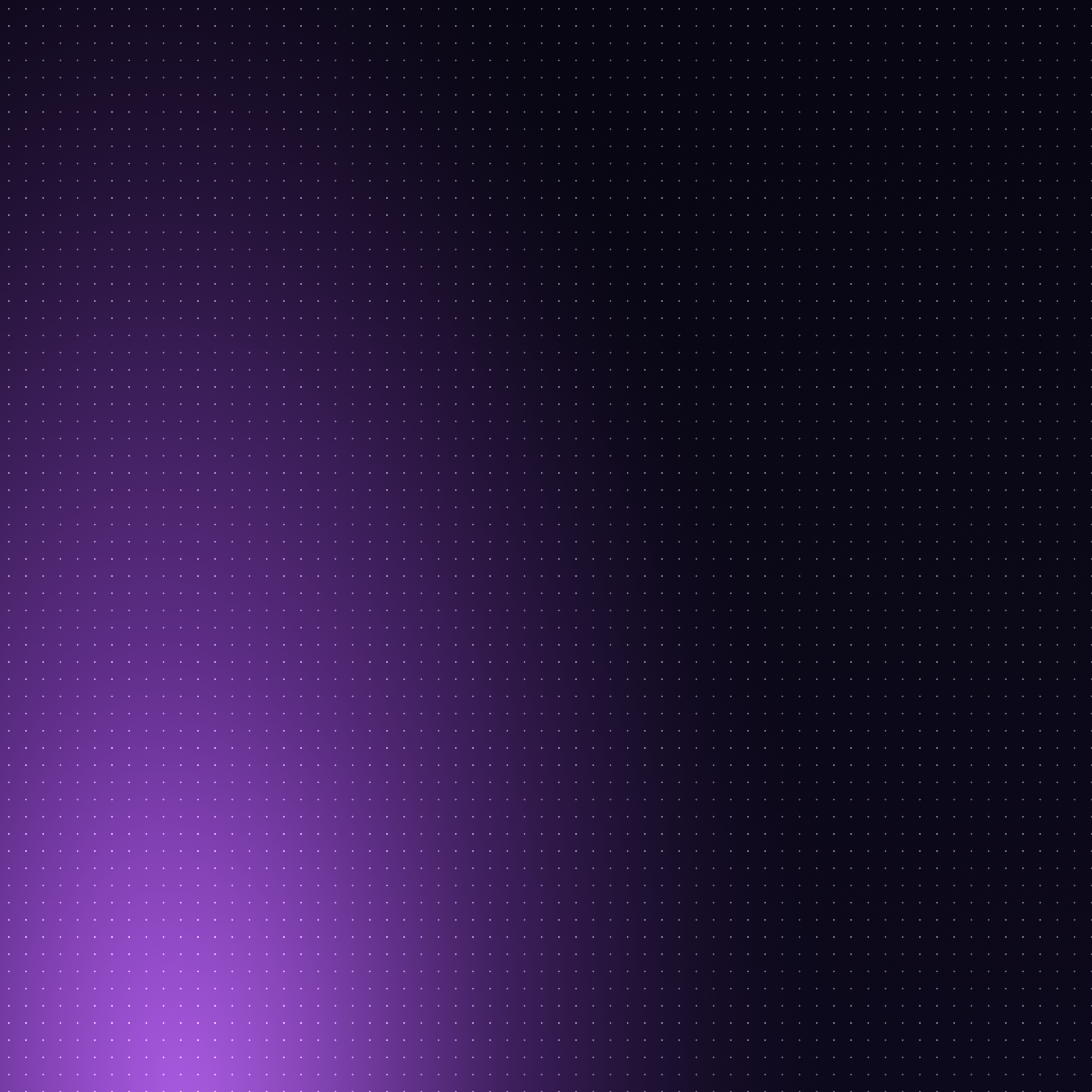
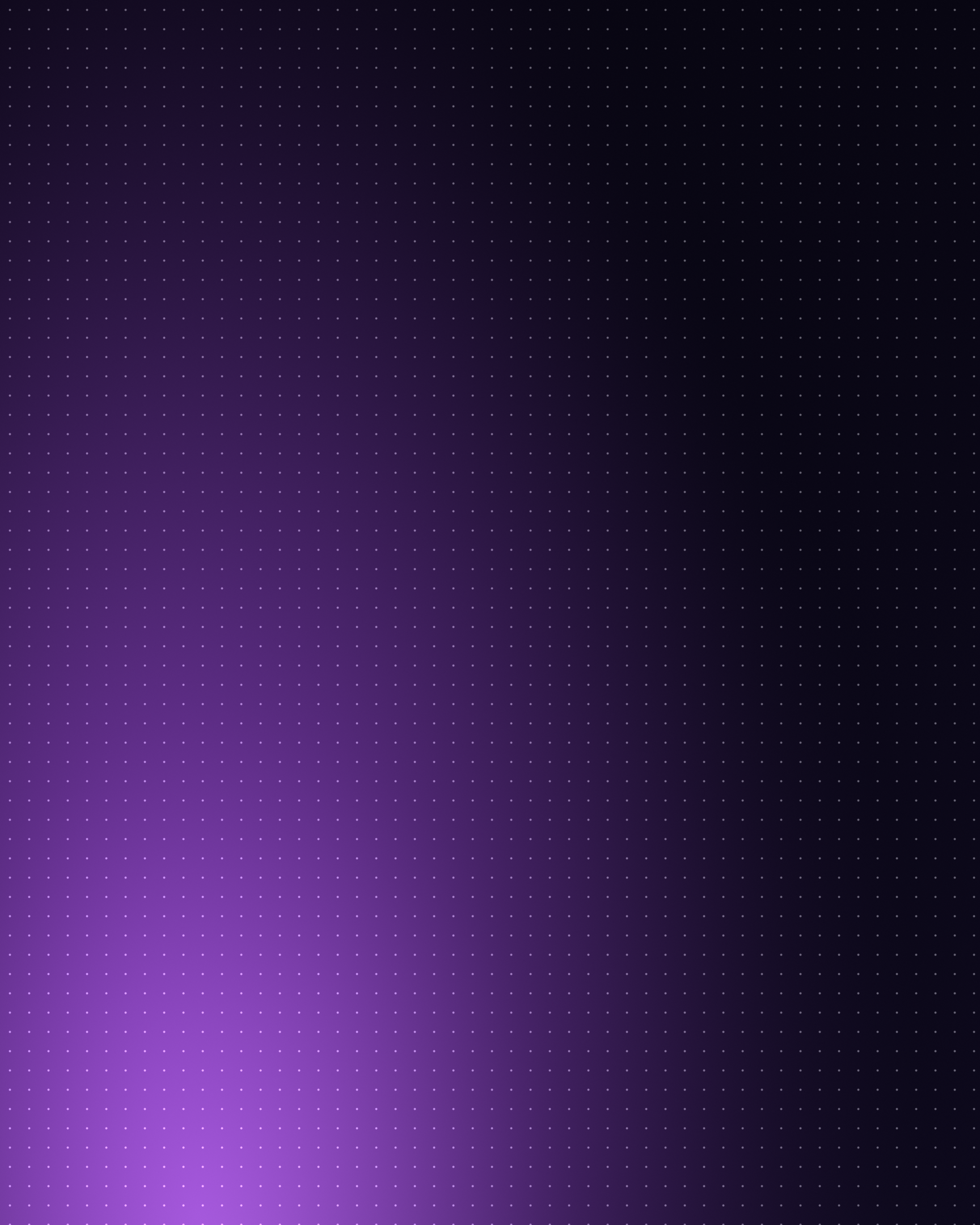
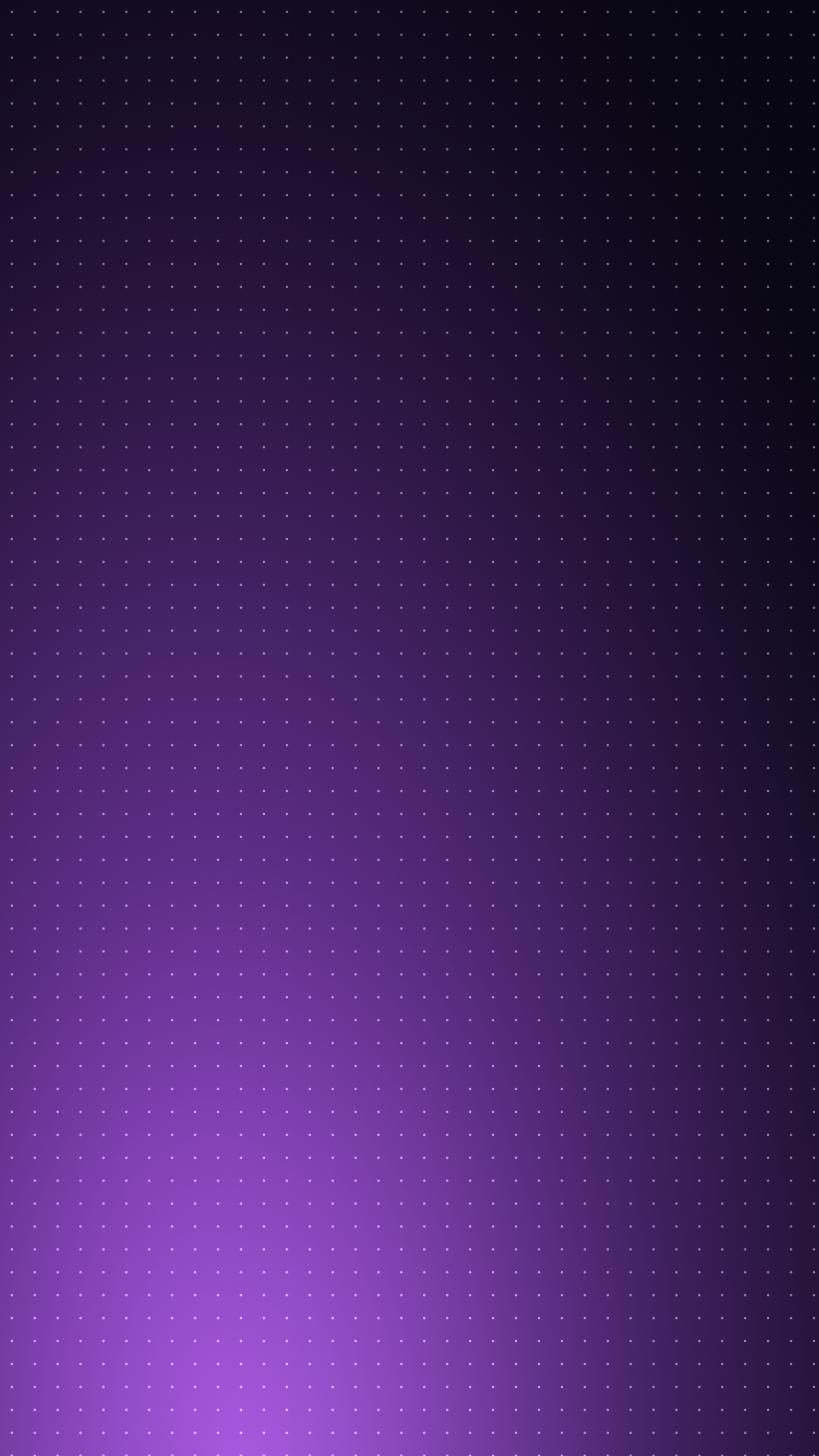
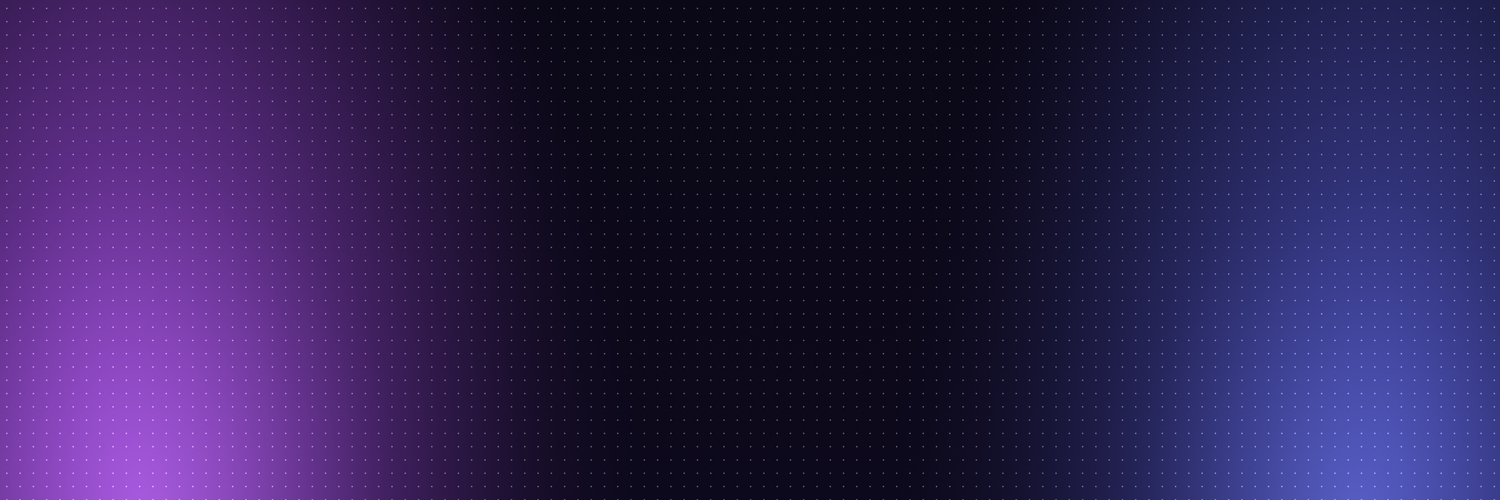
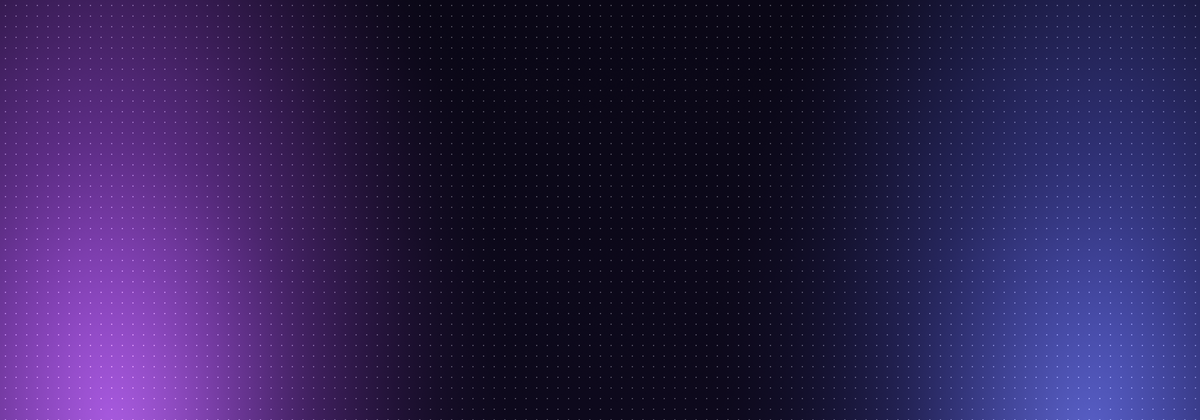
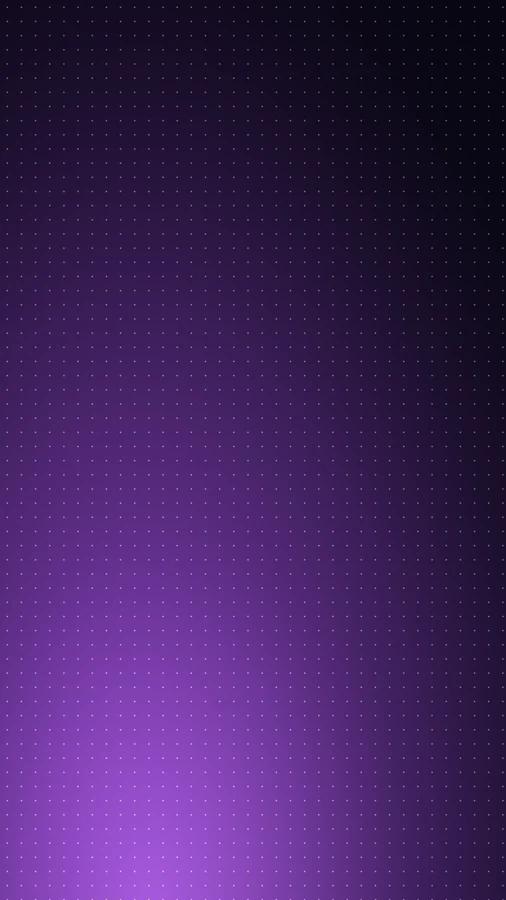
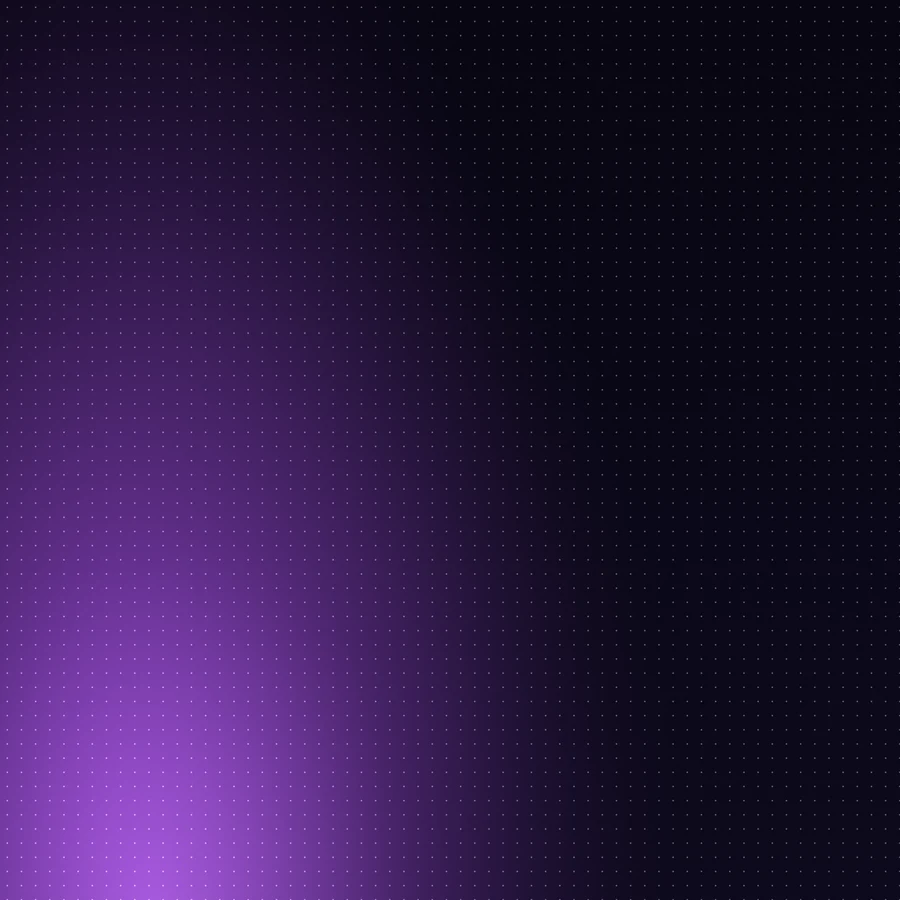
One background design, cropped for the formats you are most likely to need. Dark base, purple bloom on one side and indigo on the other, with a fine dot grid. The centre stays dark, so text and logos placed in the middle read cleanly.
| Format | Size | Use | |
|---|---|---|---|
| 16:9 | 3840 x 2160 | Slides, video, desktop | Download |
| 5:2 | 3840 x 1536 | Wide banners, page heroes | Download |
| 2:1 | 3840 x 1920 | Cards, link previews | Download |
| 4:3 | 2880 x 2160 | Presentations | Download |
| 1:1 | 2160 x 2160 | Square posts, avatars | Download |
| 4:5 | 1728 x 2160 | Portrait posts | Download |
| 9:16 | 1215 x 2160 | Stories, reels | Download |
| X header | 1500 x 500 | X profile header | Download |
| Banner | 1200 x 420 | Small banners | Download |


PFP generator
Drop any image into orbitalhq.xyz/pfp and it comes back in the Orbital treatment: a deep purple tint across the full tonal range with fine grain. There is nothing to configure.

It runs entirely in your browser, nothing is uploaded, and the output is a 1024px PNG. It is the fastest way for a community to look like one group without anyone needing design tools.
Colours
| Hex | Use | |
|---|---|---|
| Base | #0A0618 | Page and surface background |
| Ink | #3A1078 | Deepest brand purple, PFP shadows |
| Brand purple | #7C3AED | Primary accent |
| Light purple | #A855F7 | Highlights, active states |
| Indigo | #6366F1 | Secondary accent, gradients |
| Paper | #EFECF8 | Light surfaces, PFP highlights |
Brand gradients run blue into purple, #6366F1 to #A855F7.
Using the marks
- Keep clear space around the logo of at least the height of one ring.
- Do not recolour the mark. White or black, nothing else.
- Do not stretch, rotate, add effects, or place the transparent logo on a background it cannot be seen against.
- Do not rebuild the lockup. If you need mark and wordmark together, take the mark and set "Orbital" beside it.
- The ORBT mark is for the token only, never a stand-in for the product logo.