
Charts
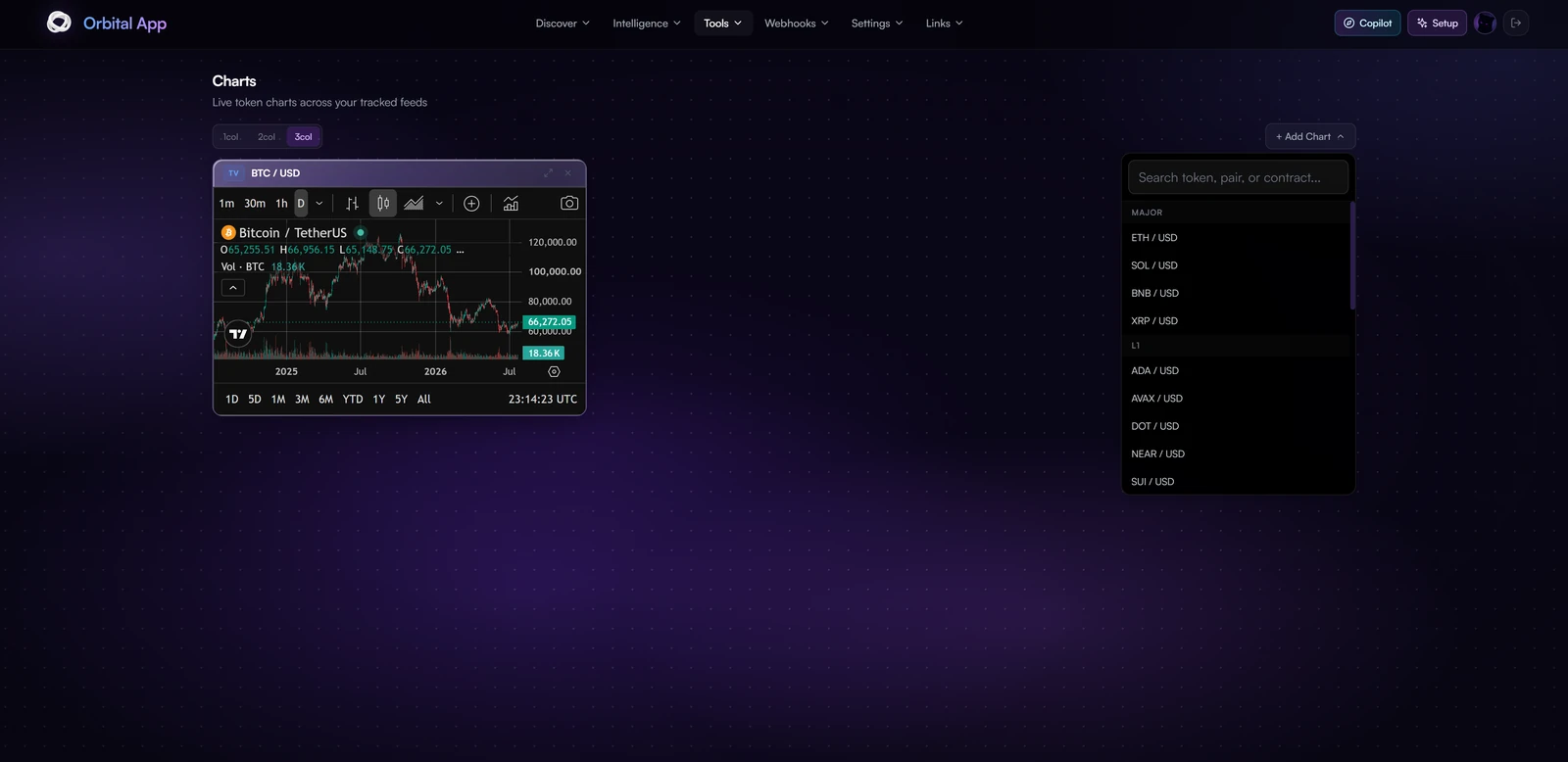
Charts gives you a chart grid in the app, so you can watch several markets at once without switching tabs.
It is a Tools feature of the Orbital app.
Adding charts
Use Add Chart and search by token, pair or contract address. Common markets are grouped for quick selection, majors such as ETH, SOL, BNB and XRP first, then layer ones like ADA, AVAX, DOT, NEAR and SUI.
Search covers two sources at once: standard exchange pairs, and tokens looked up by contract address. Pasting a contract is how you chart something you just found in a feed, rather than hunting for a listed pair.
Layout
Switch between 1, 2 and 3 column layouts depending on how many charts you want visible at once. Charts can be expanded to full width or closed individually.
Both your column choice and your chart list are remembered in the browser, so the grid you build is still there next time you open the page.
Each chart carries the usual controls: intervals from 1m through daily, candle or line rendering, indicators, and range shortcuts from 1D out to All.