
Orbital Glass
Orbital Glass is a browser extension that overlays Orbital intelligence directly on X (Twitter). Instead of switching between X and the Orbital app, Glass brings smart-follower data, categories, X-Checker tools, and onchain intel to the profiles and tweets you're already looking at.
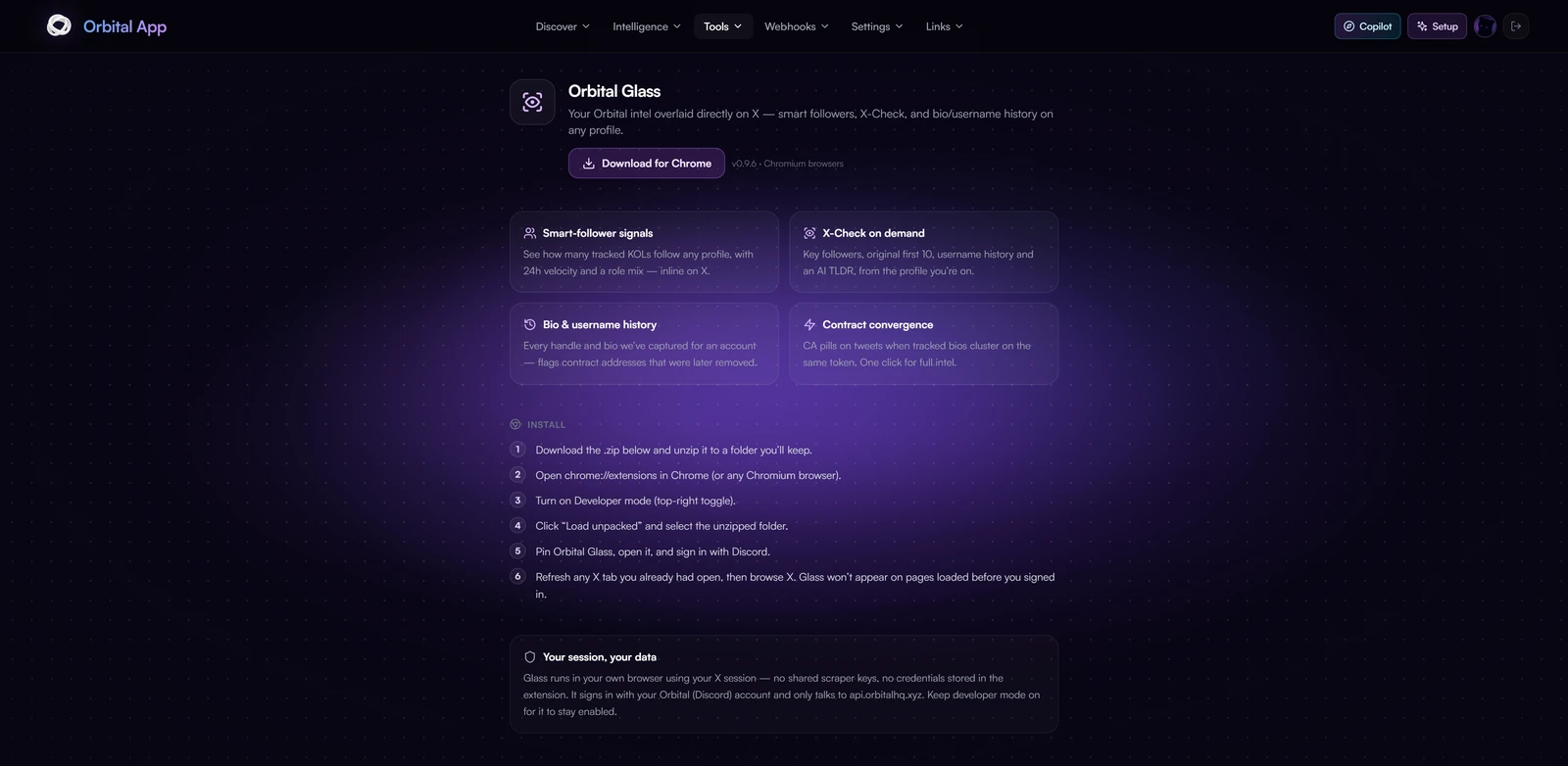
Glass runs inside your own X session, so lookups use your cookies rather than a shared pool, no rate-limit bottlenecks, and every user brings their own budget.
Available for Chrome and any Chromium-based browser (Brave, Edge, Arc).
Key Features
Profile Intel Panel
A native-looking annotation card is injected under the bio on any x.com/<handle> page, showing the Orbital data you can't get from X itself:
- Smart followers count and the 24h delta (how many tracked KOLs follow this account, and how fast that's changing).
- Role mix: the breakdown of who follows them (Founder, Anon, Alpha, and more).
- Category: the AI-detected sector for the account (DeFi, AI, GameFi, NFT, DEX, and more), editable in one click.
- Save the account to your Feeds watchlist, or Open in Orbital for the full view.
X-Checker Tools Inline
The ⋯ menu on the panel runs X-Checker tools without leaving the profile. Results open in a scrollable modal with a downloadable .txt:
- Last followings: the account's most recent follows, each auto-labeled with a category.
- Full followings: the complete list with a category breakdown.
- Full followers: the complete follower list with bot and larp scoring.
- Alpha report: a condensed, parsed research card on the project.
- Username history: every past handle with change dates.
Contract & Wallet Intel
Paste or hover a contract address or wallet and Glass returns an onchain intel panel, across Solana and EVM (Ethereum):
- Tokens: price, market cap, and how many tracked bios mention the contract.
- Wallets: total portfolio value, native balance, token count, and top holdings, with quick links to the relevant explorer (Solscan / Etherscan / DeBank).
Editable Category
Set or correct the feeds-category on any profile straight from the panel. Your edit updates the account across Orbital's systems instantly.
Setup
- Open the Glass page from the Orbital hub and download the extension.
- Load it into your browser and pin it to the toolbar.
- Open the popup and sign in with Discord or connect your wallet to link your subscription.
- Visit any profile on X, the Glass panel appears automatically under the bio.
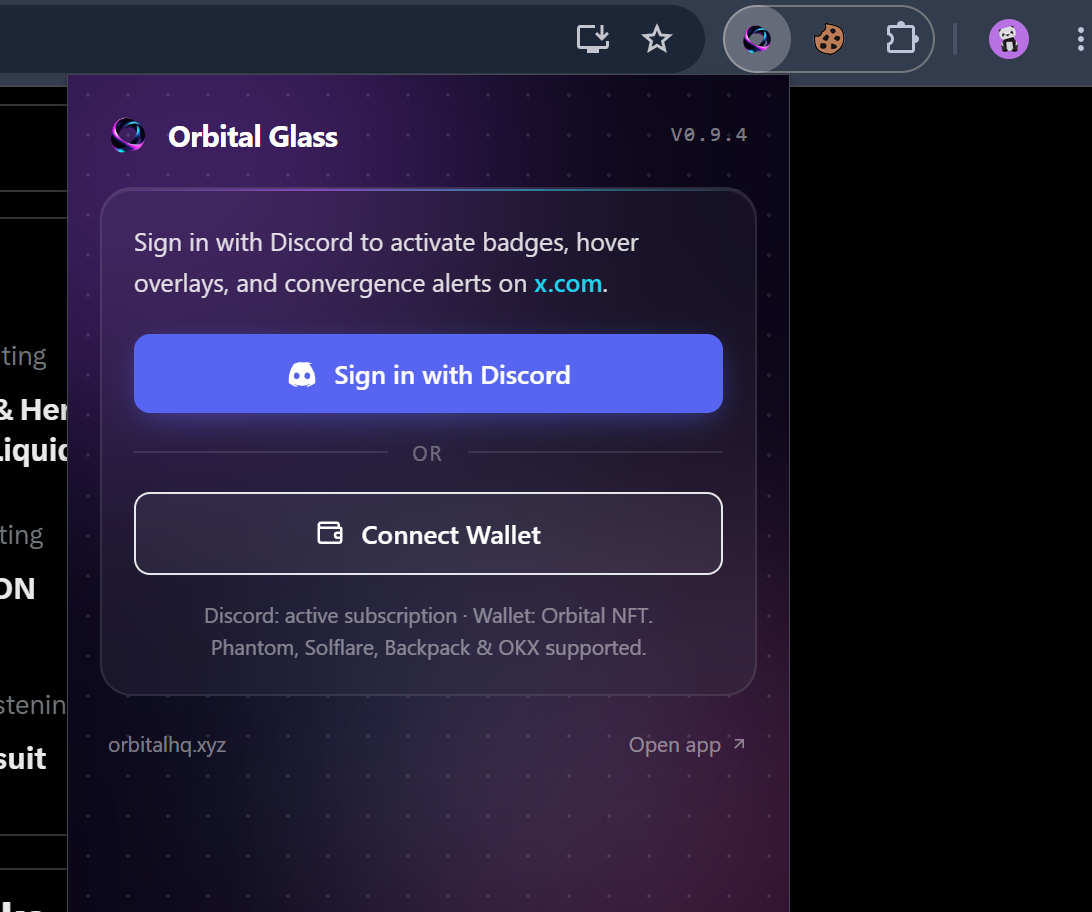
The Glass popup, sign in with Discord or connect your wallet.
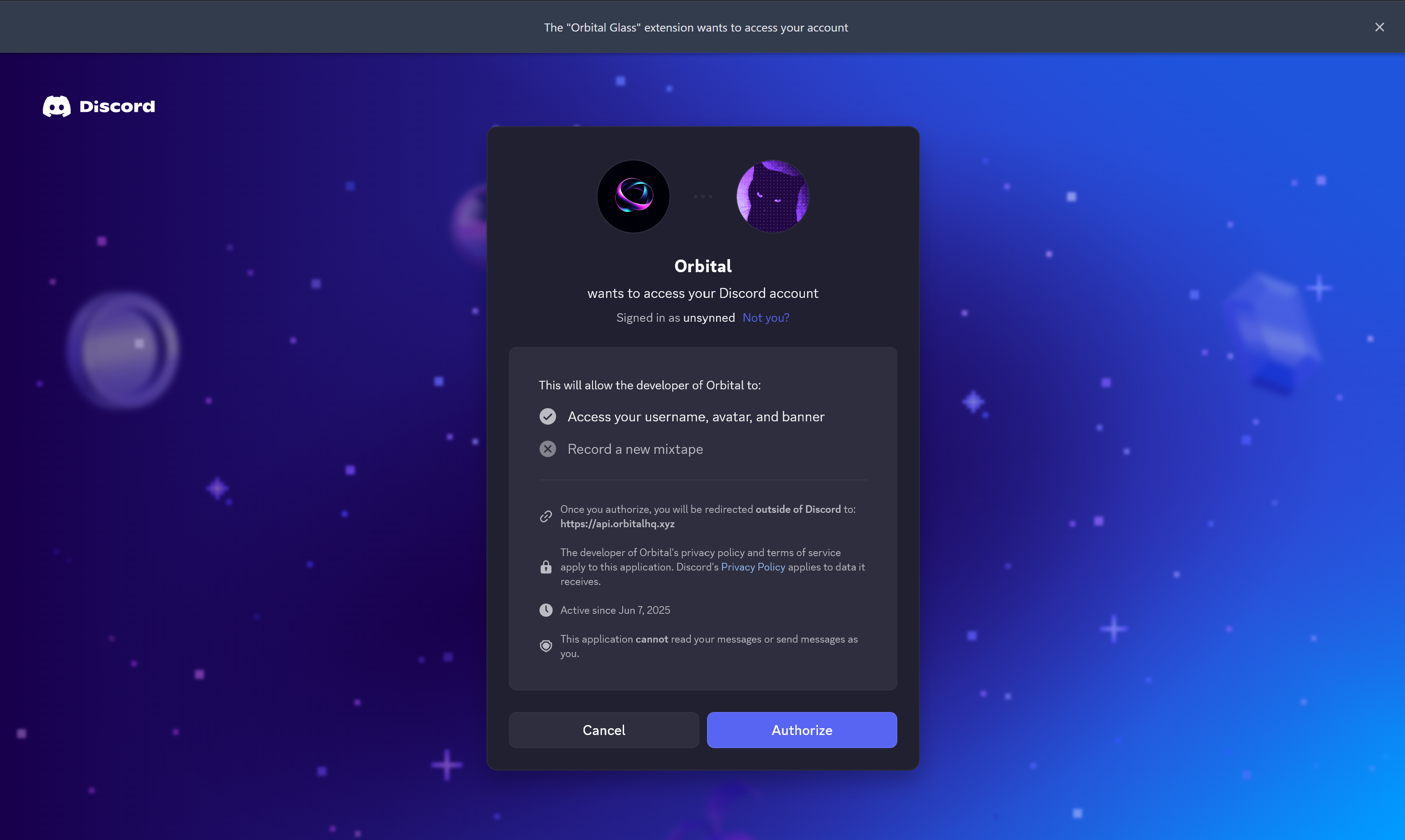
Sign in with Discord authorizes your account and unlocks Glass if your subscription is active:
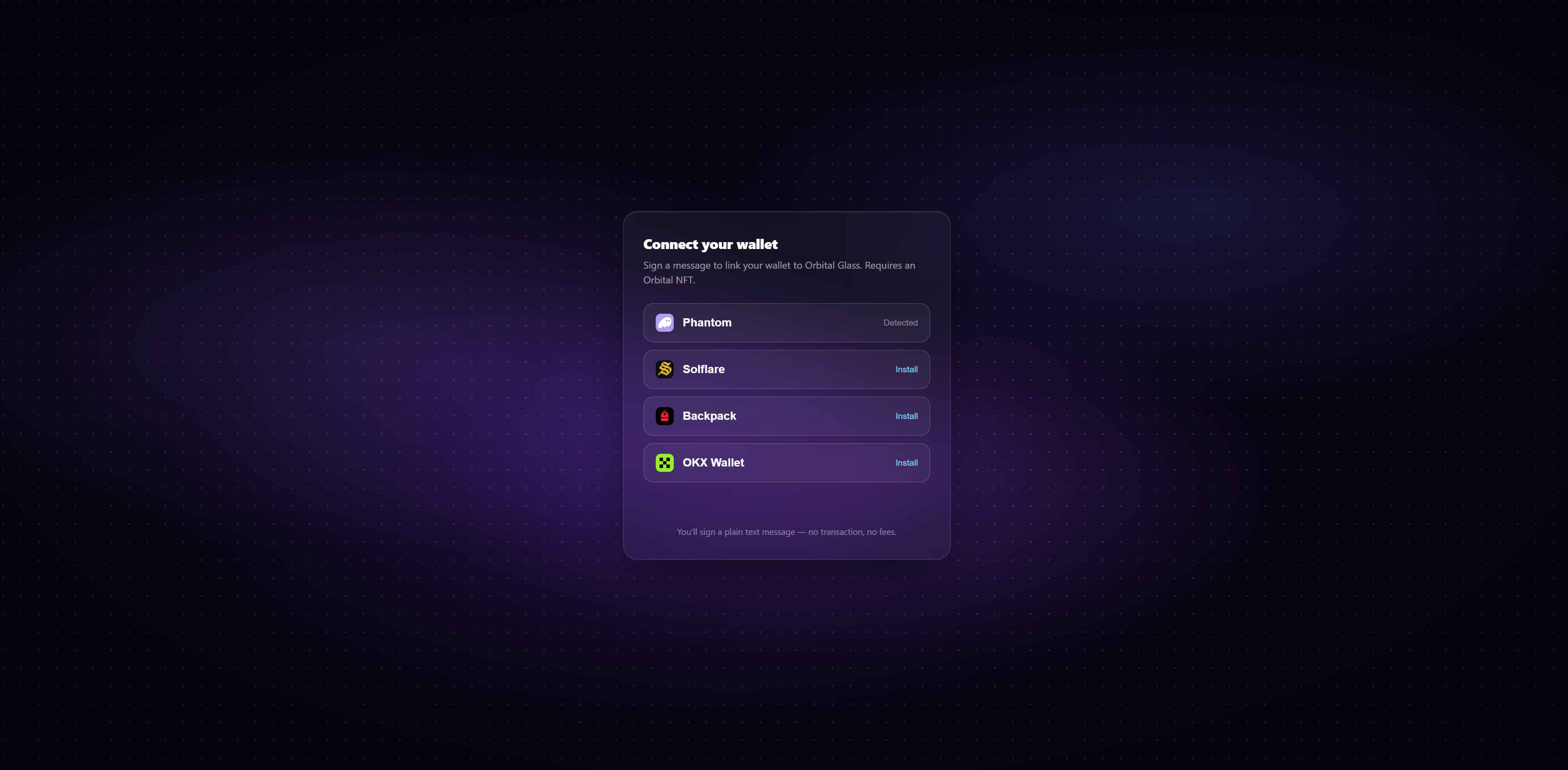
Connect Wallet links an Orbital NFT holder wallet instead, just sign a plain-text message, no transaction and no fees:
Availability
Orbital Glass is available for paid users: Orbital Users and NFT Holders. Access is checked live, so an active subscription is required to keep the panel and its tools unlocked.